Want to decide who can see, upload, and download photos from your CatchMemo event? You can manage it all in Security & Permissions.
These guest access settings help you create the right balance between easy event photo sharing and a private gallery.
Where to Find Security & Permissions
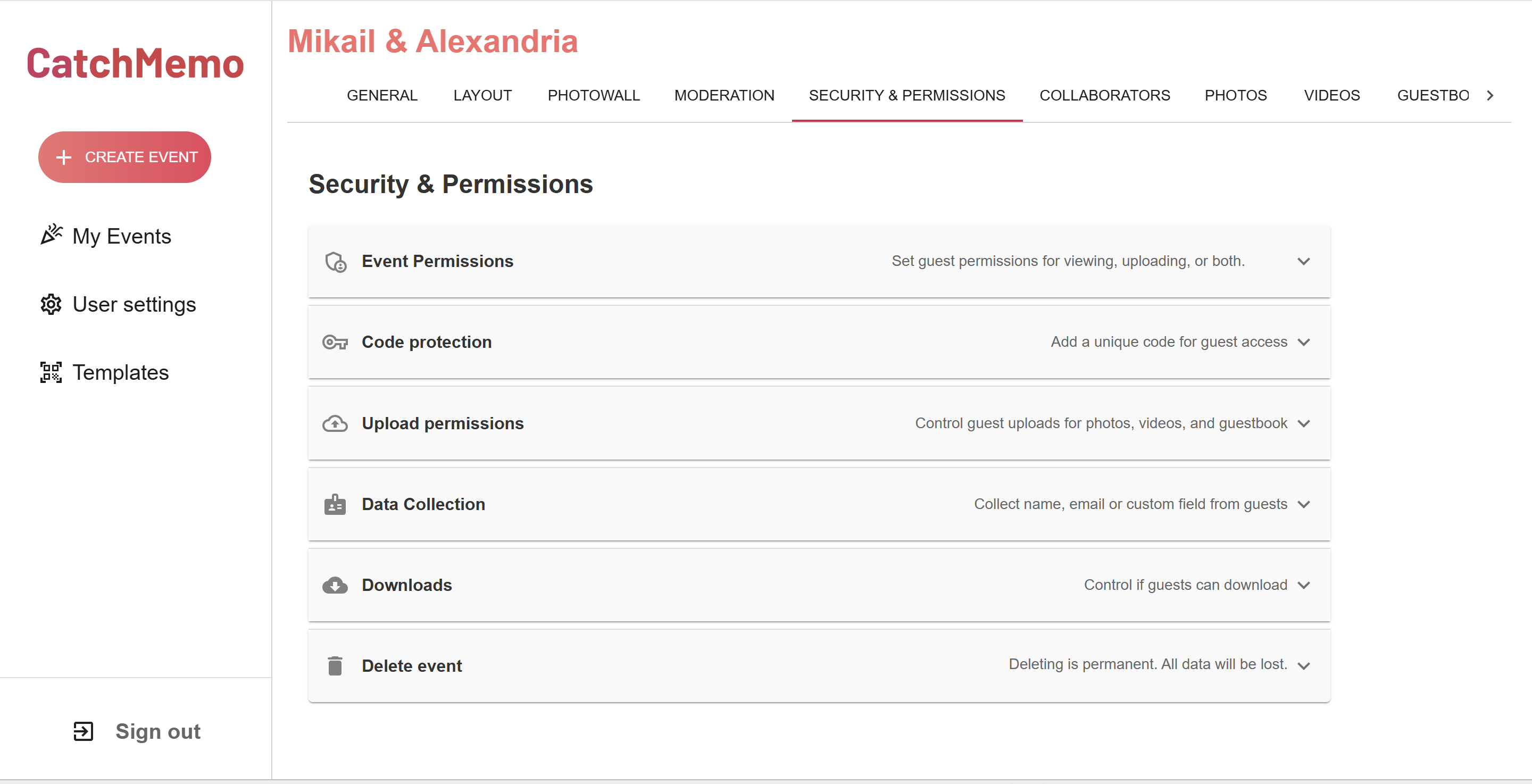
Open your event and choose Security & Permissions in the top menu. This is where you control event access, uploads, privacy, guest details, and downloads.
Choose What Guests Can Do
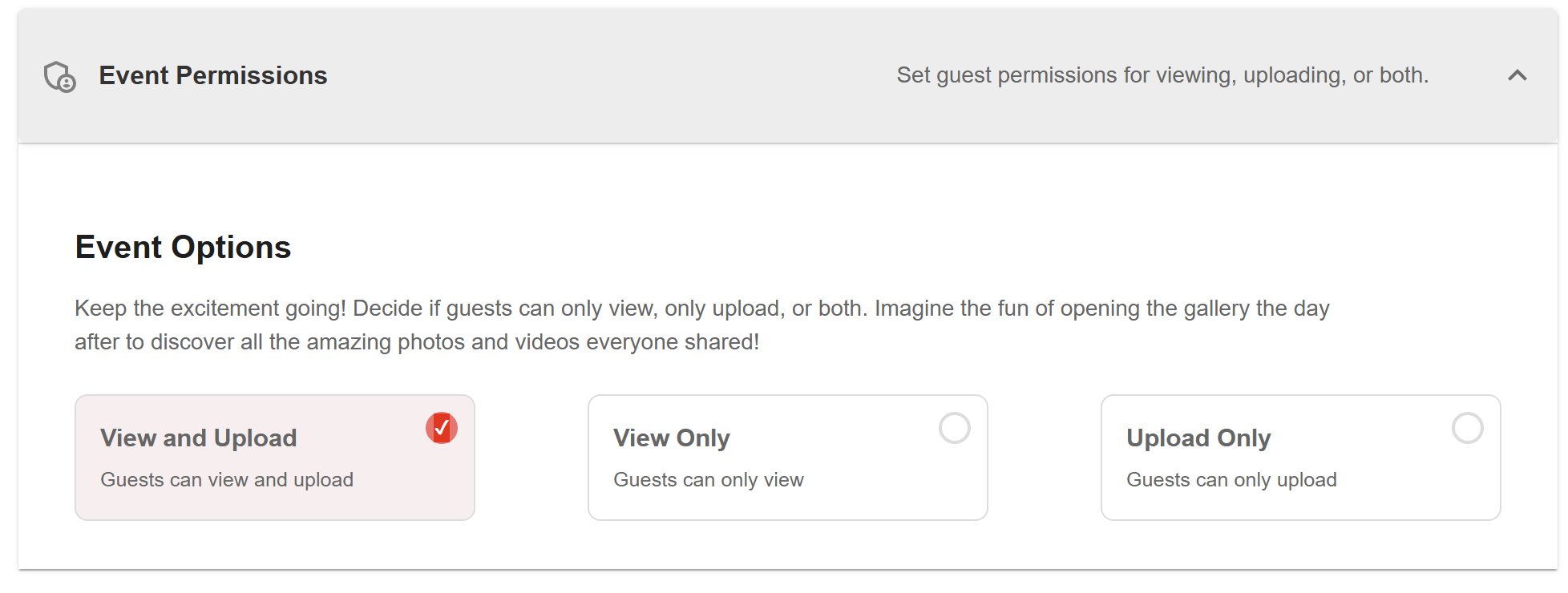
Under Event Permissions, choose the access level that fits your event:
- View and Upload — guests can view the gallery and share their own photos.
- View Only — guests can view the gallery but cannot add anything.
- Upload Only — guests can send photos but cannot view the gallery yet.
For most weddings and parties, View and Upload is the simplest choice.
Protect a Private Event Gallery With a Code
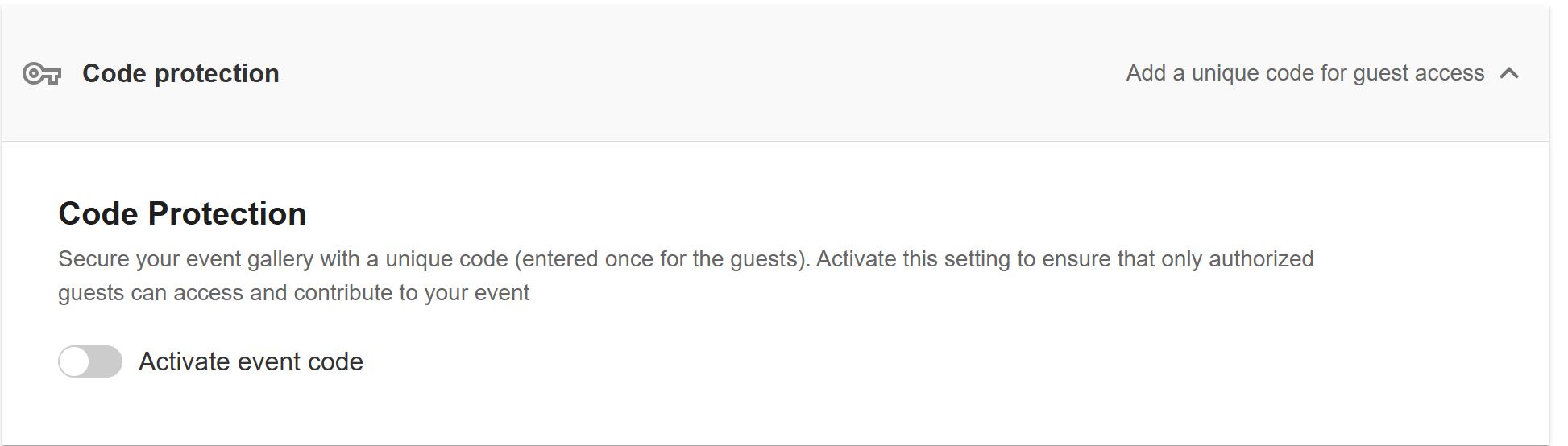
Turn on Code Protection to add a private event code. Guests enter the code before they can access the gallery, helping ensure that only invited people can join.
Choose What Guests Can Upload
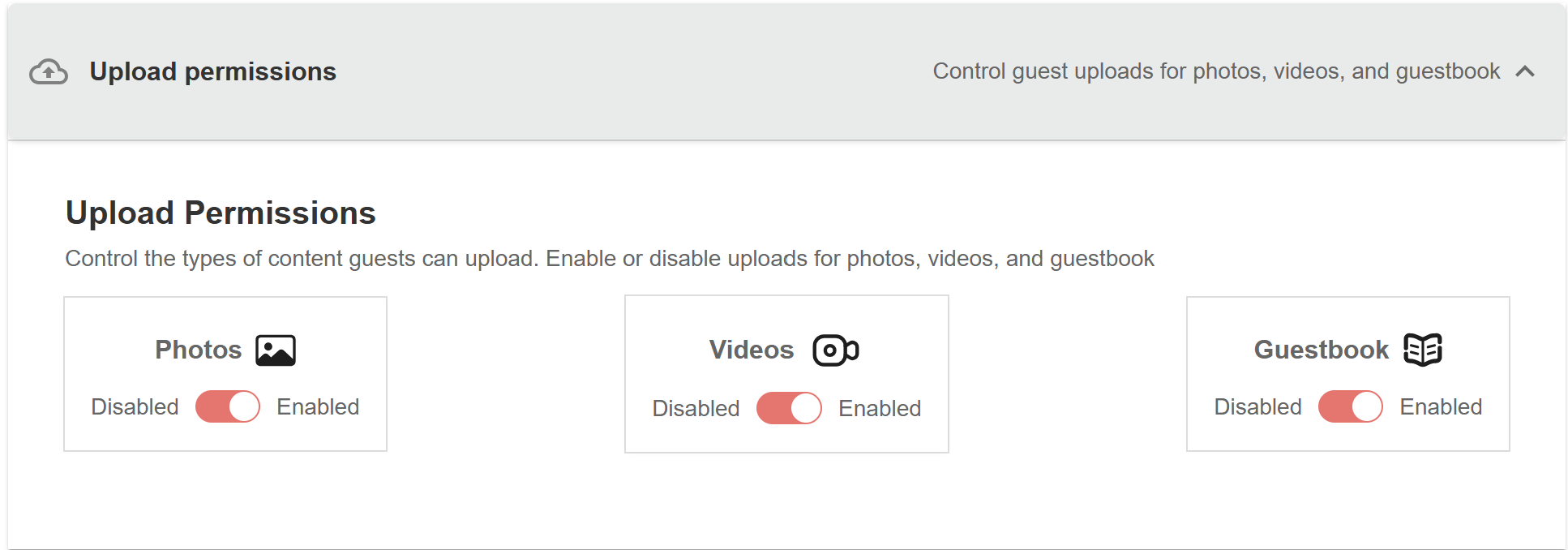
Under Upload Permissions, you can allow or disable photos, videos, and guestbook messages. This is useful when you want to collect only certain types of event memories.
Collect Guest Details When You Need Them
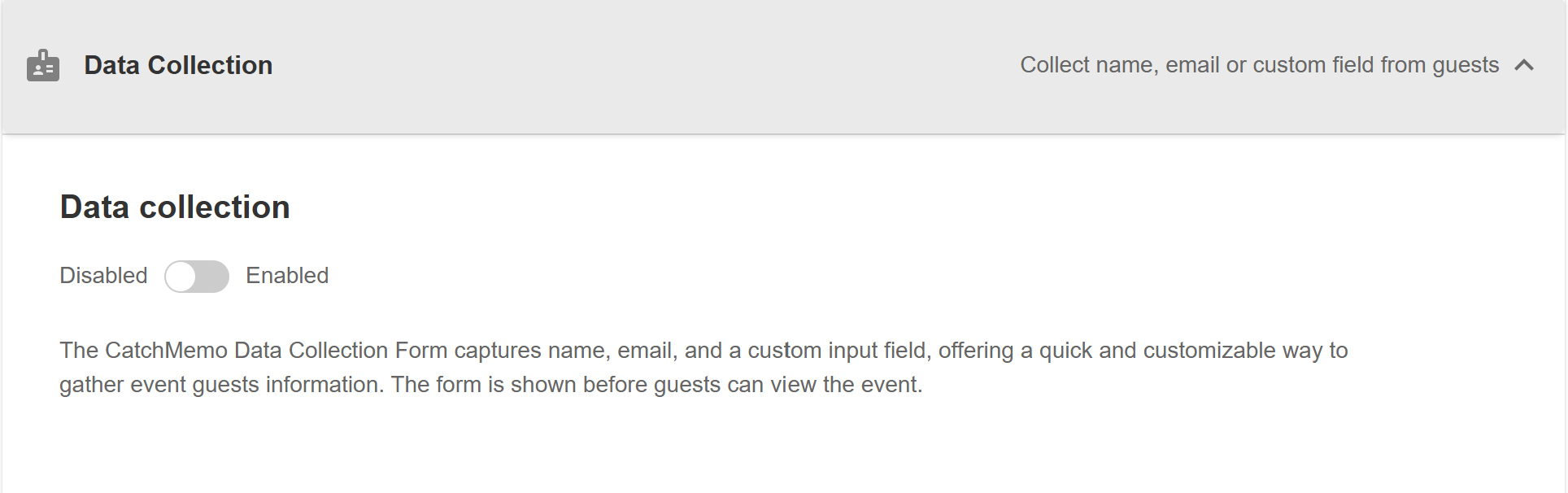
Turn on Data Collection if you need a guest name, email address, or another detail before someone enters your event. This can be useful for company events, brand activations, and larger parties.
Control Guest Photo Downloads
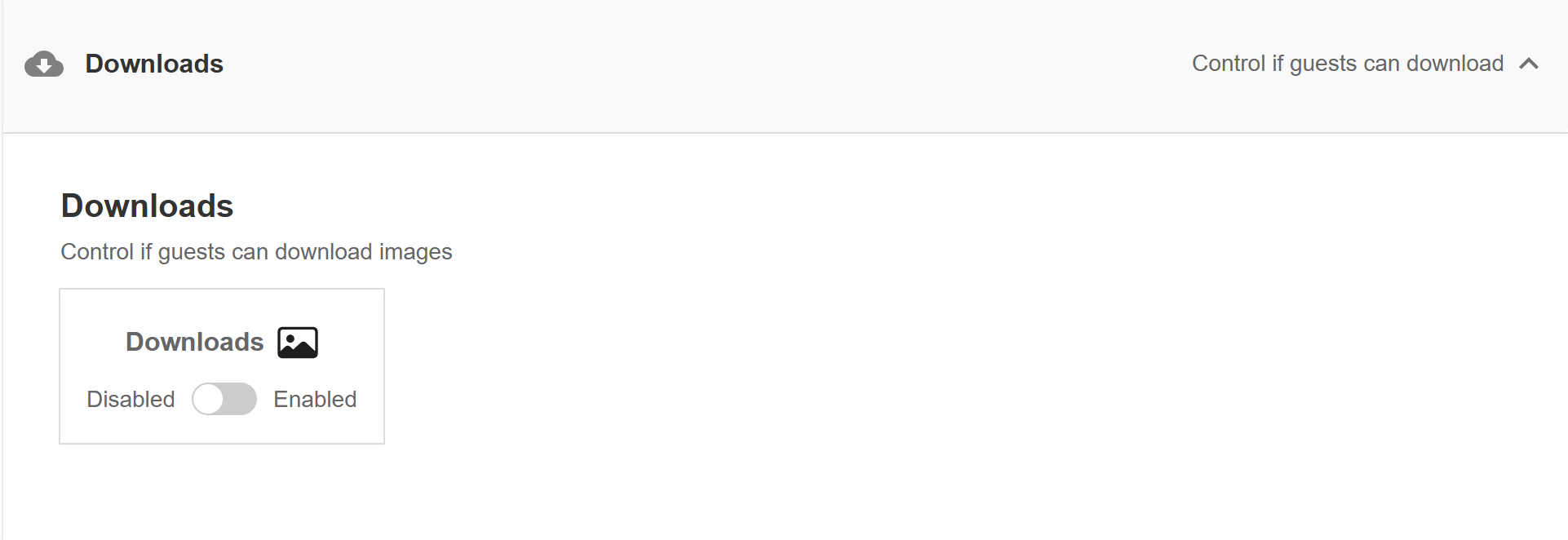
In Downloads, choose whether guests can save images from your gallery. Turn downloads on when you want everyone to keep their favourite memories, or turn them off for more control over how event photos are shared.
Be Careful When Deleting an Event
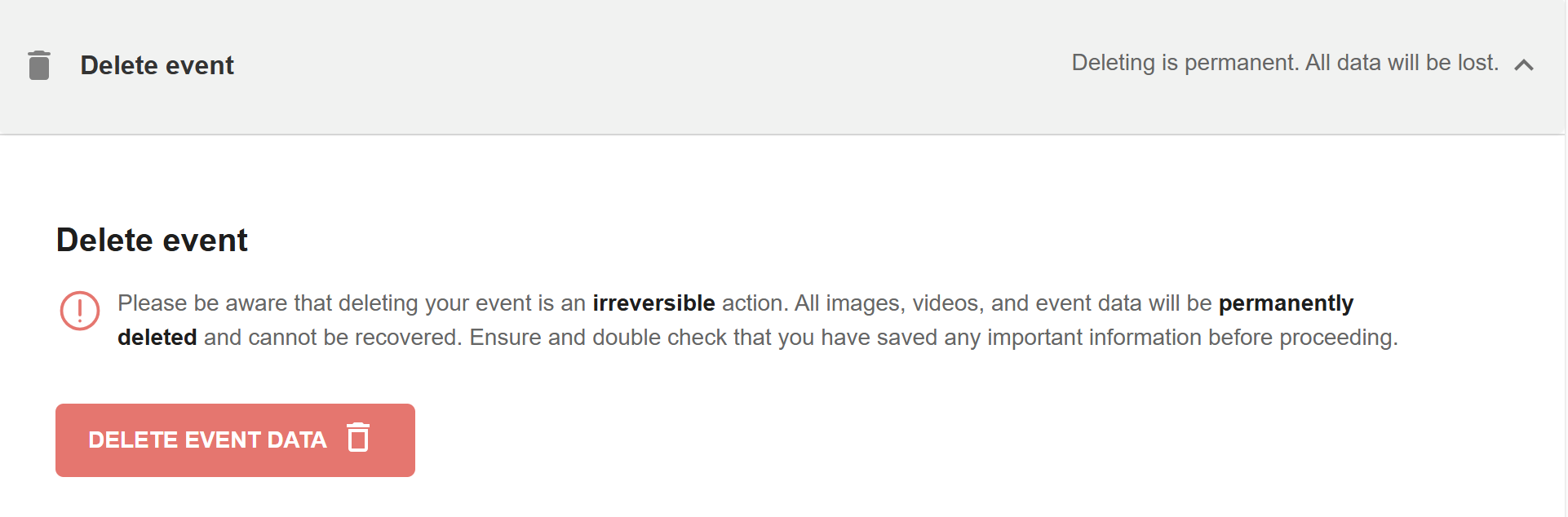
Deleting an event permanently removes its photos, videos, and event data. Download and save anything important before you delete the event.
Set the Right Guest Access for Your Event
CatchMemo makes it easy to control uploads, gallery privacy, guest access, and downloads without making photo sharing difficult.
Learn more about CatchMemo photo sharing for events, or create your event and choose the settings that work for your guests.