Pricing plans - QR Code Photo Sharing

Discover the perfect plan for your event. Whether you're hosting a small gathering or a large-scale celebration, Catchmemo has you covered with flexible options tailored to your needs.

Free

Free

  • Up to 50 Photos & Videos
  • Live Digital Photo Wall
  • Guestbook & Live Feed
  • Good Quality Photos
  • Basic Page Customization
  • Unique QR-Code & URL
  • Basic Event Options
  • Upload for 1 Day
  • Saved for 15 Days
  • Download Media ZIP
  • Includes Catchmemo branding
Upgrade

Pro

  • Up to 500 Photos & Videos
  • Live Digital Photo Wall
  • Guestbook & Live Feed
  • High Quality Photos
  • Moderate Customization
  • Unique QR-Code & URL
  • Moderate Event Options
  • Upload for 14 Days
  • Saved for 120 Days
  • Download Media ZIP

How To Get a QR Code for Event Photos

To get a QR code for your event photos, create an event in under a minute. Once the event is created, a QR code is automatically generated.

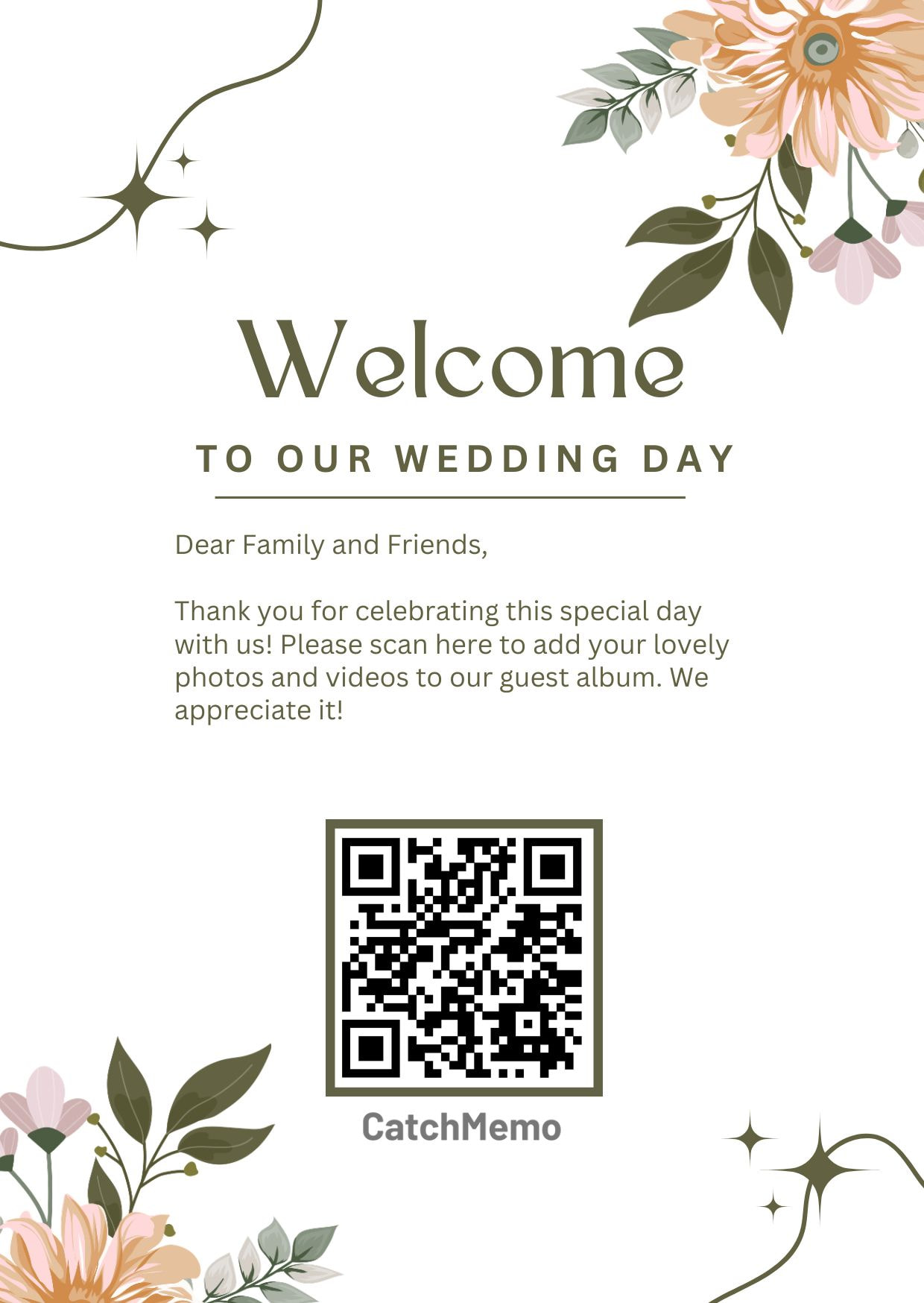
Download the QR code and print it using a free template. This makes it easy for guests to scan the code and share photos from your event. After the event, you can easily access and download all the photos and videos from the admin dashboard.

Steps to Get a QR Code for Event Photos

1

Sign up for free and create your event.

2

A QR code is automatically generated once the event is created.

3

Download the QR code, which is linked to your event.

4

Print a template with your QR code. Guests can scan it to upload their photos and videos into a private shared gallery.

5

Access and download all your photos and videos from the admin dashboard.