
Event photo sharing with one QR code
Create your event, put out your QR code and let guests do the rest. Every photo, video and message ends up in one private album, without an app.
Free plan · No app for guests · Ready in about a minute
Sara & Adam
Share every moment you capture today!
From setup to download
- 01
Create and design
Name your event, add a header photo, then pick colours, fonts and buttons. Preview exactly what guests will see.
- 02
Print your QR code
Download your QR code or use our Canva templates for table cards, signs and invitations.
- 03
Guests upload
Guests scan with their phone camera and upload photos, videos and guestbook messages in the browser.
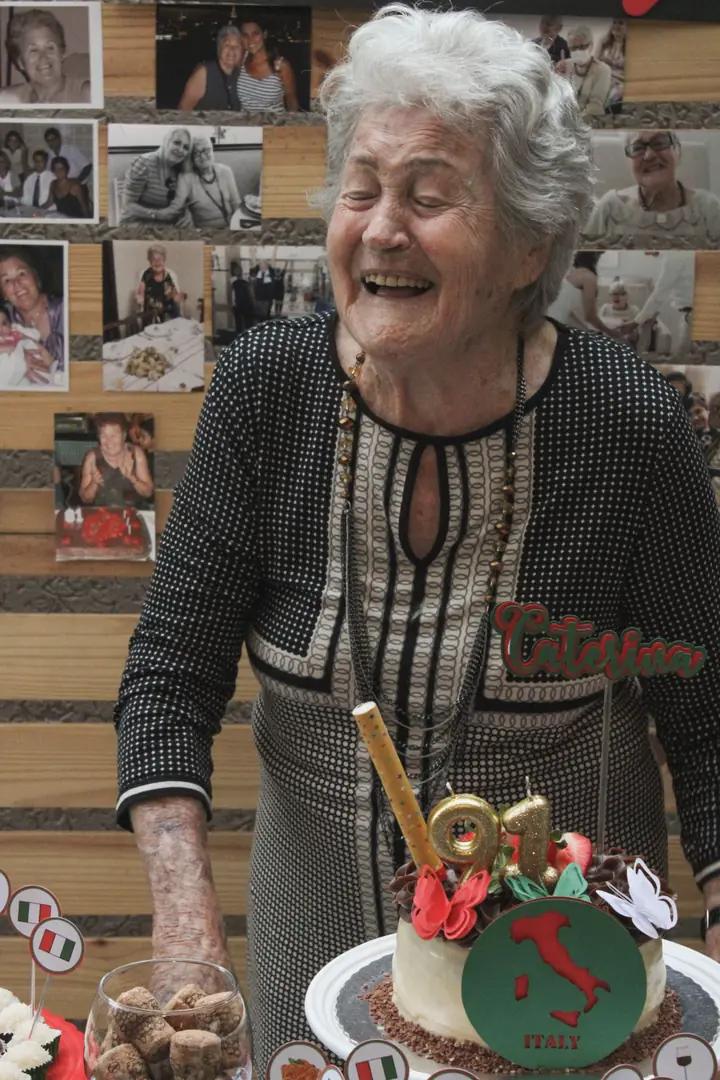
So simple, grandma uploads too
Guests don't download anything or create an account. They scan, choose photos and tap upload. The page speaks their language too: English, Spanish, French, German or Arabic.
- Works on iPhone and Android
- Upload many photos and videos at once
- Browse everyone's photos during the event
Gallery
248 photos




6 photos added
by Sofia · just now
You stay in control
Watch uploads arrive, show them on the live wall, moderate it if you like and download everything when it's over.
- Password or event code on any plan
- Optional photo wall moderation on Pro and Premium
- Download all photos and videos as a ZIP


your photos
Everything in one place
No app
Guests upload straight from the browser.
Live photo wall
A real-time slideshow on any screen, on every plan.
Digital guestbook
Messages saved next to the photos, exportable as a PDF.
Private
Only people with your code or link get in.
One-time price
Pay per event. No subscription, no per-guest fees.
Full quality
Download every original in one ZIP.
Why hosts choose Catchmemo
| What you get | Catchmemo | Group chats & shared albums | Disposable-camera apps | Photo booth hire |
|---|---|---|---|---|
| Guests don't install an app | Varies | |||
| No guest account or sign-in | Varies | |||
| Every guest's own photos and videos | Limited shots | |||
| Full quality, not compressed | Varies | |||
| Photos live on a screen during the event | Varies | Prints only | ||
| Guestbook messages in the same place | ||||
| Your colours, photo and fonts | Varies | Extra cost | ||
| Pricing | One-time per event | Free | Often per guest | Hourly hire |
How it works: questions
How does QR code photo sharing work?
You create an event and get a unique QR code. Guests scan it with their phone camera, which opens your event page in the browser, and upload photos and videos straight away. Everything collects in one private album you can download.
Do guests need an app or an account?
No. Guests only scan and upload. Only the host has an account.
How do I print my QR code?
Download it from your dashboard, or use our free Canva templates for table cards and welcome signs.
Can I try it before the event?
Yes. Start on the Free plan, set up your page and test it with a few friends. Upgrade any time and keep everything you've collected.
How do I get the photos afterwards?
Download everything as a ZIP from your dashboard, or share the album link with your guests.
Your guests are already taking the photos. Collect them all.
Create your event in about a minute. Free to start, no card needed.