
Conference photo sharing with a branded live wall
Give attendees one QR code to share their photos and videos. Show them live on stage screens with your logo, moderate the wall if you like, and collect attendee details along the way.
Free plan · No app for guests · Ready in about a minute

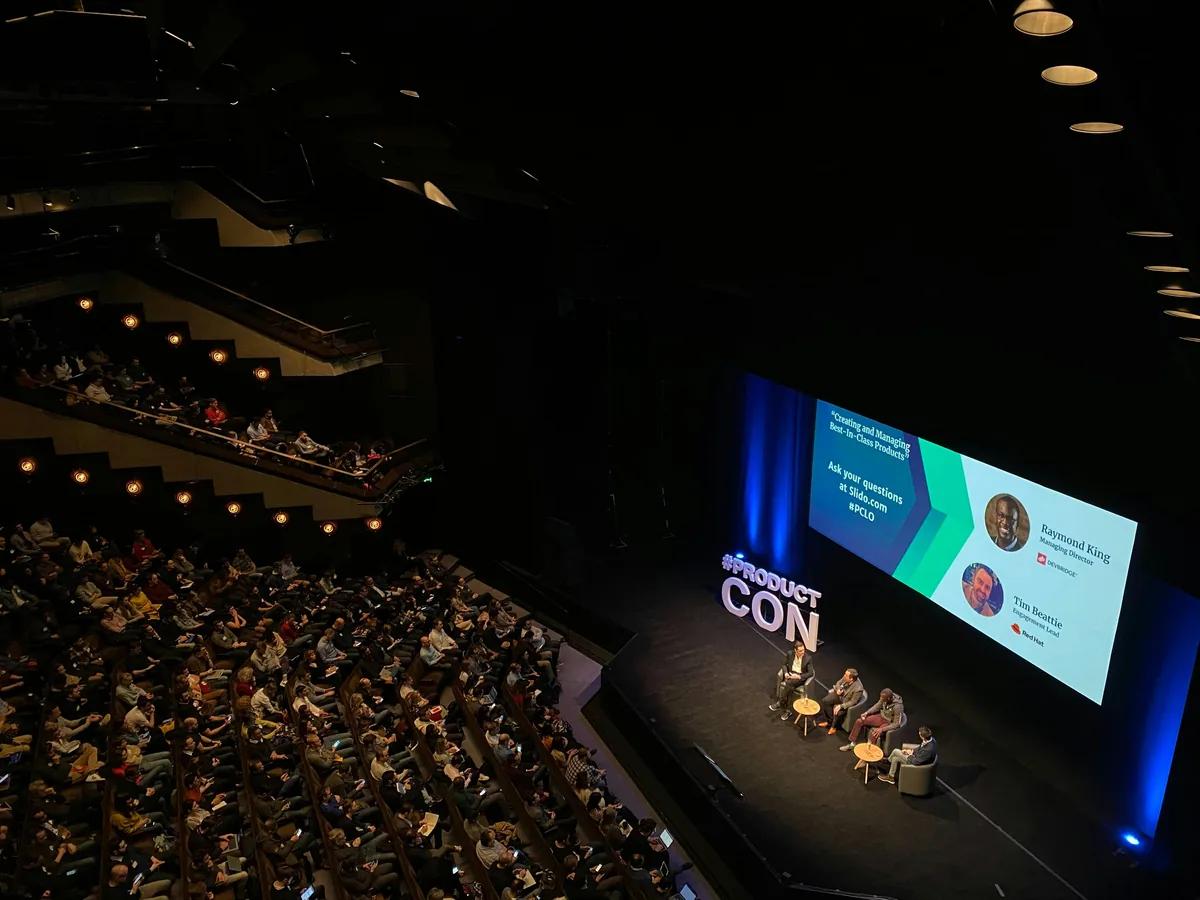
Nordic Summit 2026
Share your best shots from today and see them on the main screen.
- events hosted
- 10,000+
- events hosted
- photos & videos shared
- 300,000+
- photos & videos shared
- to set up your event
- 60 sec
- to set up your event
- apps for guests to install
- 0
- apps for guests to install
How do I collect attendee photos at a conference?
Create a Catchmemo event with your branding and show its QR code on badges, signs and the stage screen. Attendees upload from their phone's browser without an app. Photos appear on a live wall with your logo, with optional moderation, and you download the full collection for social media and next year's marketing.
Set up in a minute. Enjoy it all night.
- 01
Create your event
Name it, add a header photo and pick your colours. It takes about a minute and it's free to start.
- 02
Share your QR code
Put it on badges, signage, the agenda and the stage screen. Our Canva templates make the cards look the part.
- 03
Guests upload, you relive it
Photos stream to your branded wall. Download everything for your recap and socials.
Your event content, made by attendees
Hundreds of authentic, attendee-made photos and clips for your recap, social channels and next year's marketing, collected in one place.
- Photos and videos from every attendee
- Optional photo wall moderation
- Password or event code for internal events
- Download the full library as a ZIP
Gallery
248 photos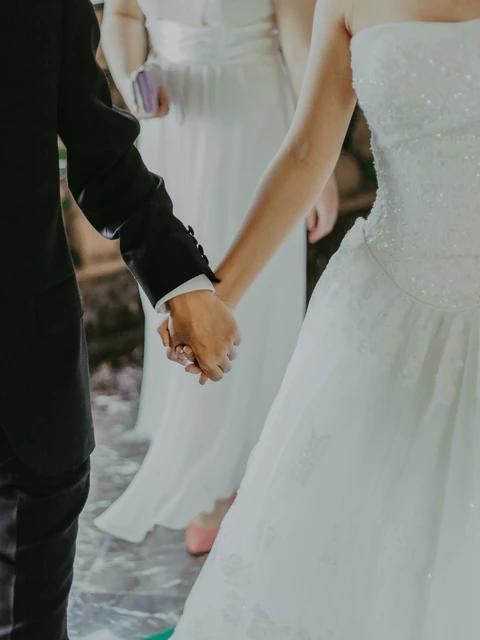

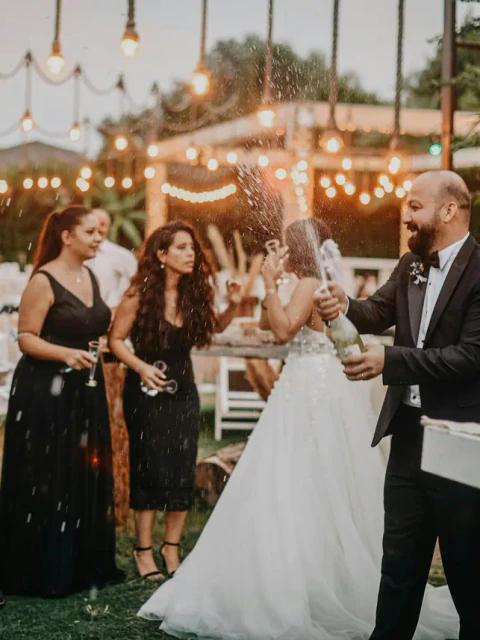
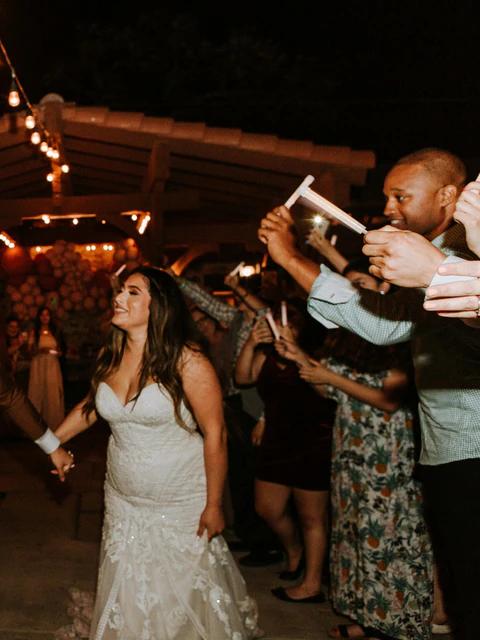




6 photos added
by Sofia · just now
A branded live wall for your stage screens
Show uploads in real time between sessions, with your logo, your background and highlighted photos (Premium). Turn on photo wall moderation to keep it on-brand.



your photos
Everything you need, nothing guests have to learn
Your brand everywhere
Logo, colours, fonts and a background image on the guest page and the photo wall.
Collect attendee details
Ask for name, email or company before upload with the guest details form (Premium).
Photo wall moderation
Optional: switch it on to approve photos before they reach the screen.
No app, no account
Guests scan and upload from their phone's browser in seconds, on iPhone and Android.
Five languages
Show the guest page in English, French, Spanish, German or Arabic.
Download everything
Every photo and video in one ZIP, in the quality they were taken.
Hosts who didn't miss a moment
“Really easy to use! We used the live photo wall instead of photo booth! Worked perfect!”
Lisa SCatchmemo host · March 2026 “Used for a corporate event of 400 people, worked perfectly.”
Sam FortuneCatchmemo host · November 2025 “Everyone loved it at our family reunion. From teenagers to adults. Fast setup and easy to use. no problems at all. will use it again for sure”
BastianCatchmemo host · October 2025
One payment per event
Start free. Upgrade when you need more uploads, more time or your own branding.
Free
Try it with a small get-together.
$0forever
Up to 50 photos & videos
Start freeIncludes:
- Up to 50 photos & videos
- Guests upload for 1 day, kept 15 days
- Live photo wall & guestbook
- QR code, event link & password
- Download everything as ZIP
- Small Catchmemo badge on your page
Pro
For birthdays, showers and parties.
$39one-time, per event
Up to 500 photos & videos
Choose ProEverything in Free, plus:
- Up to 500 photos & videos
- Guests upload for 14 days, kept 120 days
- High-quality originals
- Your colours, header photo & 5 heading fonts
- No Catchmemo branding
- Photo wall moderation (optional)
- Most popular for weddings
Premium
For weddings and big events.
$99one-time, per event
Unlimited photos & videos
Choose PremiumEverything in Pro, plus:
- Unlimited photos & videos
- Guests upload for 30 days, kept 1 year
- Background photo & button styles
- Branded photo wall with logo & highlights
- Photo, video & download rules
- Guest details form (leads)
Questions, answered
Can we show our logo on the photo wall?
Yes. Premium lets you add your logo, a background image and highlighted photos to the live wall, and style the guest page with your colours and fonts.
Can we collect leads from attendees?
Yes. The guest details form on Premium can ask attendees for their name, email or other details, which you can export from your dashboard.
Can we moderate the photo wall?
Yes. Photo wall moderation is optional on Pro and Premium. Turn it on and only photos you approve appear on the live wall.
Is it a subscription?
No. Each event is a one-time payment, so you only pay for the events you run.
Does it work for large audiences?
Yes. Premium has unlimited uploads, and attendees don't need an app, which keeps participation high.
Planning something else?
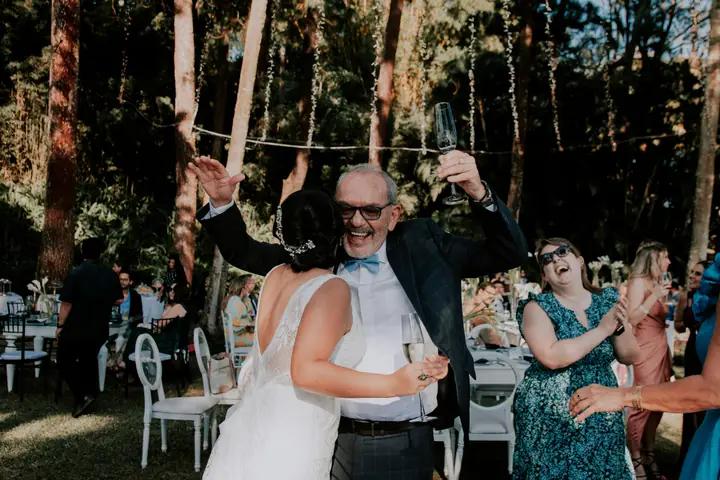
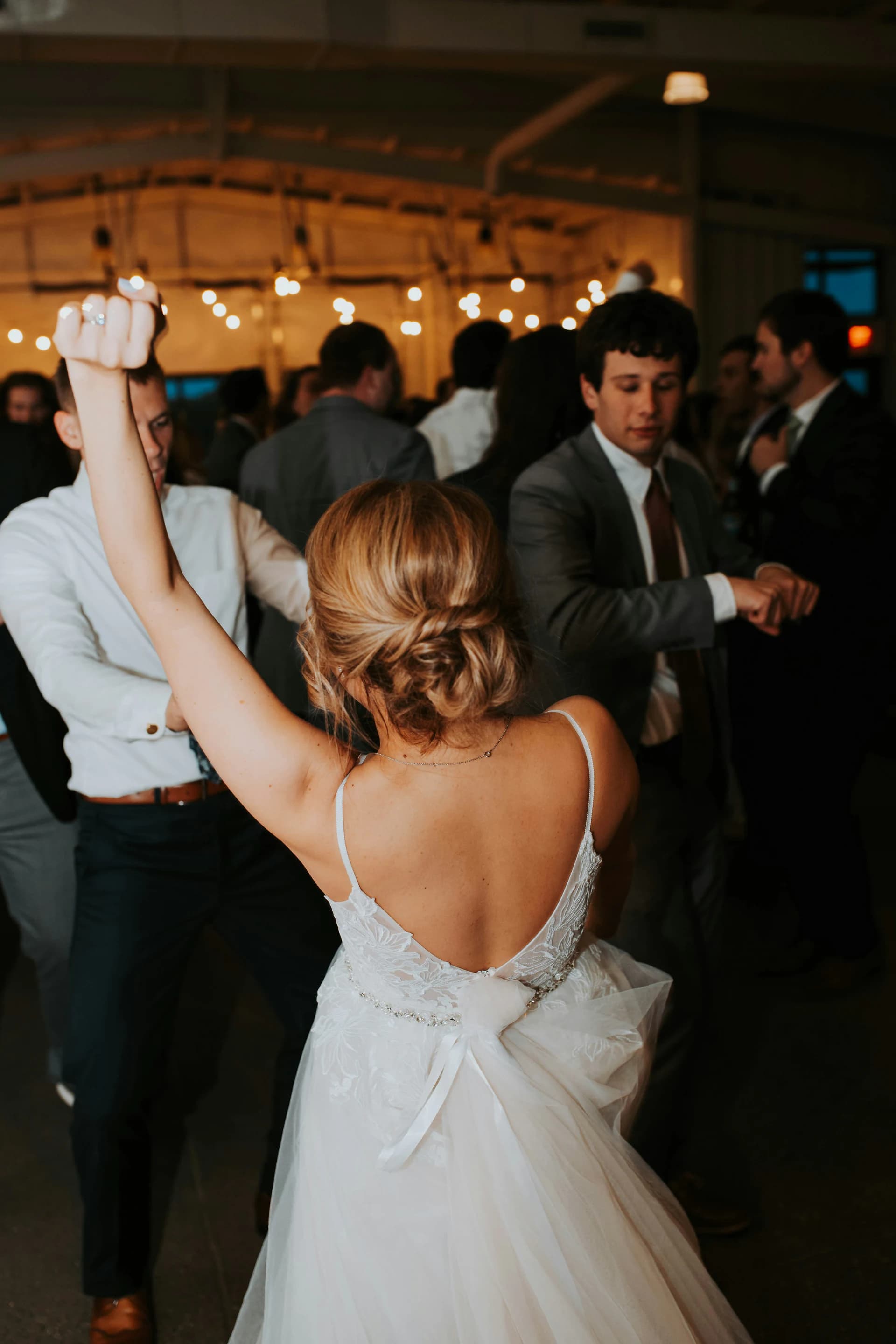 WeddingsEvery guest's view of your day, in one album.
 BirthdaysFrom the cake to the last dance.
 Baby showersPhotos and wishes for the parents-to-be.
 Parties & celebrationsAnniversaries, graduations, reunions.
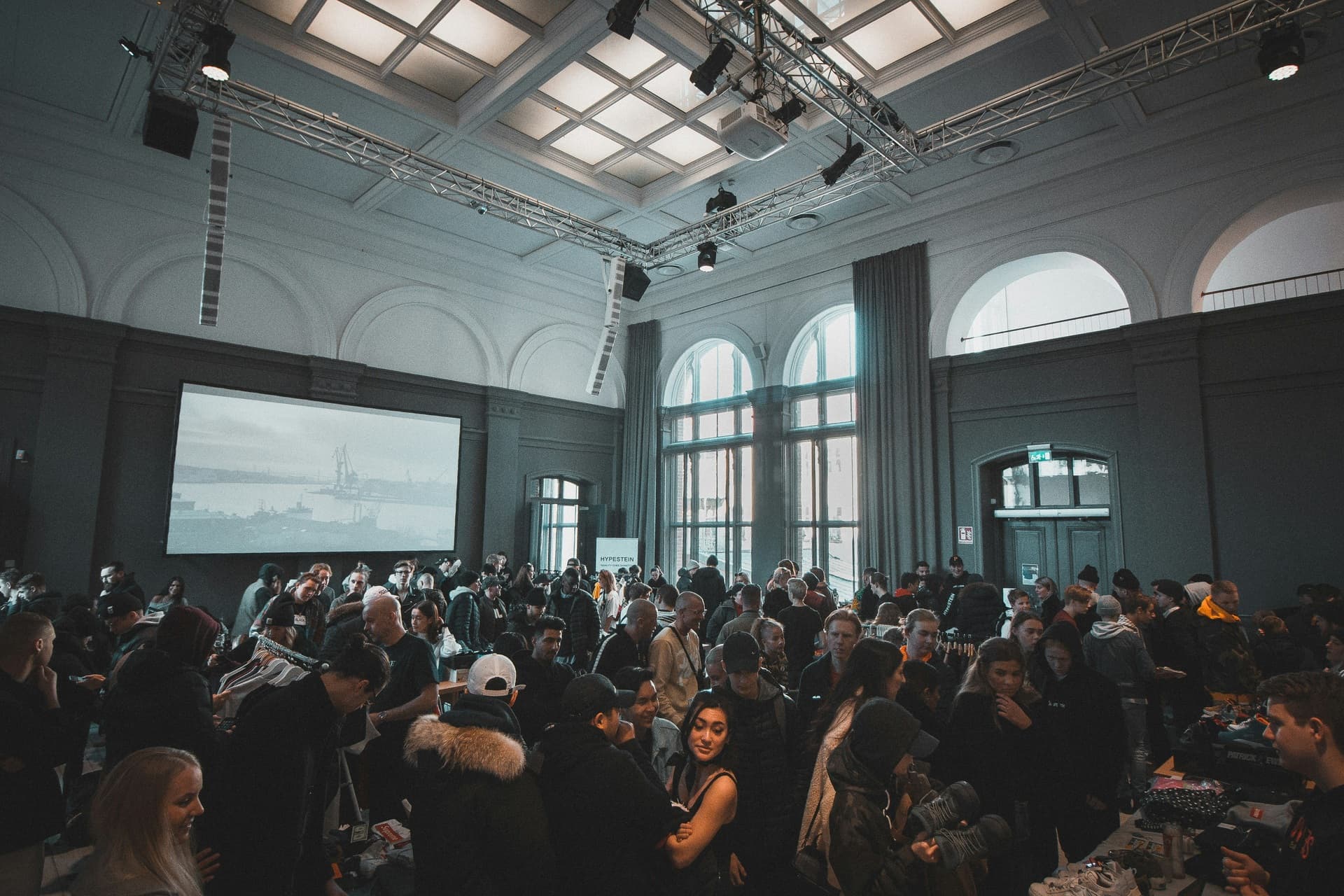 Business eventsLaunches, kick-offs and brand activations.
 Christmas partiesThe office party everyone joins in on.
Turn your attendees into your content team.
Create your event in about a minute. Free to start, no card needed.