Your custom eventQR code
Create a unique QR code for your wedding, party or event. Guests can scan it to open your private gallery instantly.
Because it only happens once.
Catchmemo makes it easy for your guests to share every moment. One QR code. No app. Just memories, together.
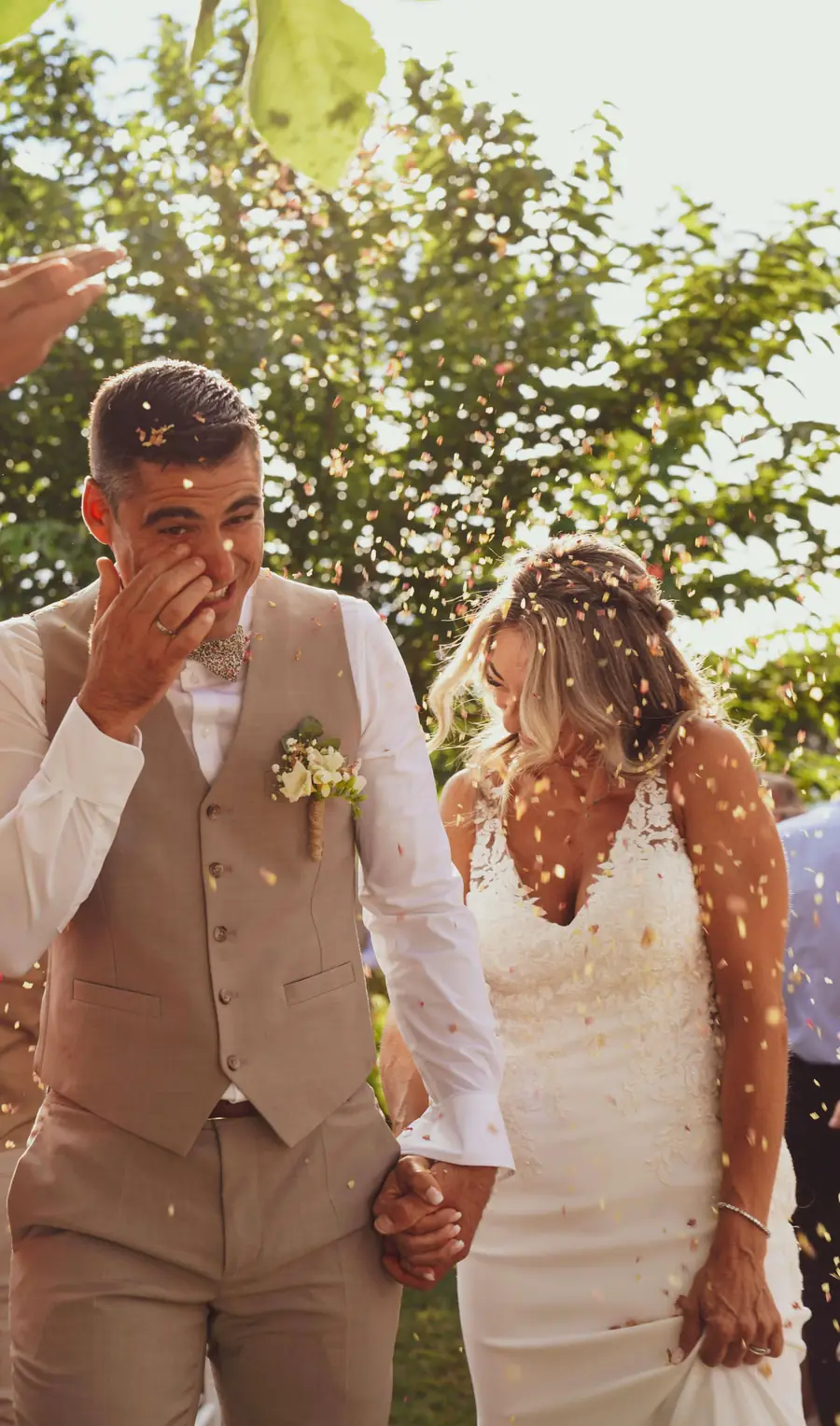
So simple, it just works
Collect photos and videos from everyone in one beautiful gallery.
Create a unique QR code for your wedding, party or event. Guests can scan it to open your private gallery instantly.
Customize your QR code, gallery design, table cards and sharing settings to match the style of your event.
Guests can upload photos and videos directly from their browser. No app download, registration or login is required.
Guests can share photos and videos throughout the event, so every moment is collected in one place.
Download all guest photos and videos together in one full-quality ZIP file after the event.
View every upload, manage your settings and keep all your event memories together in one secure gallery.
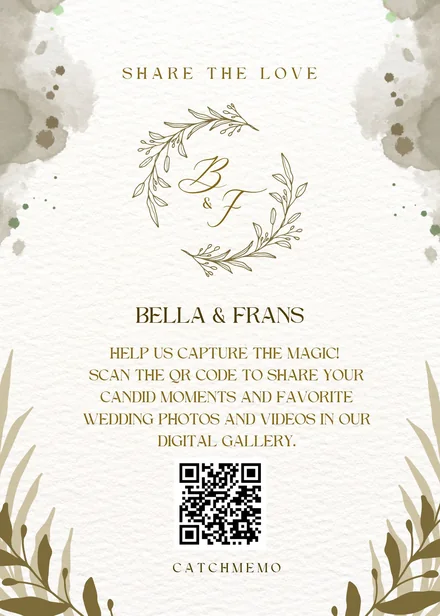
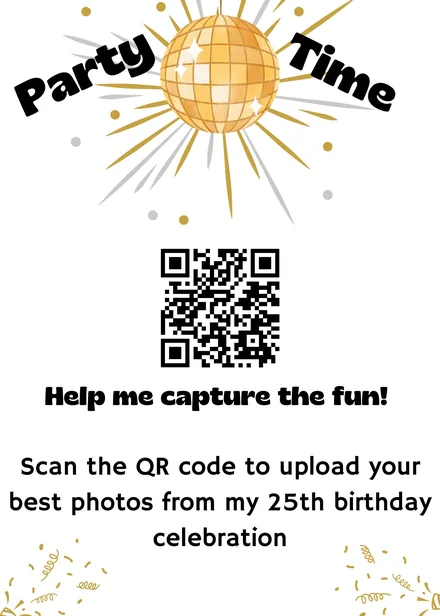
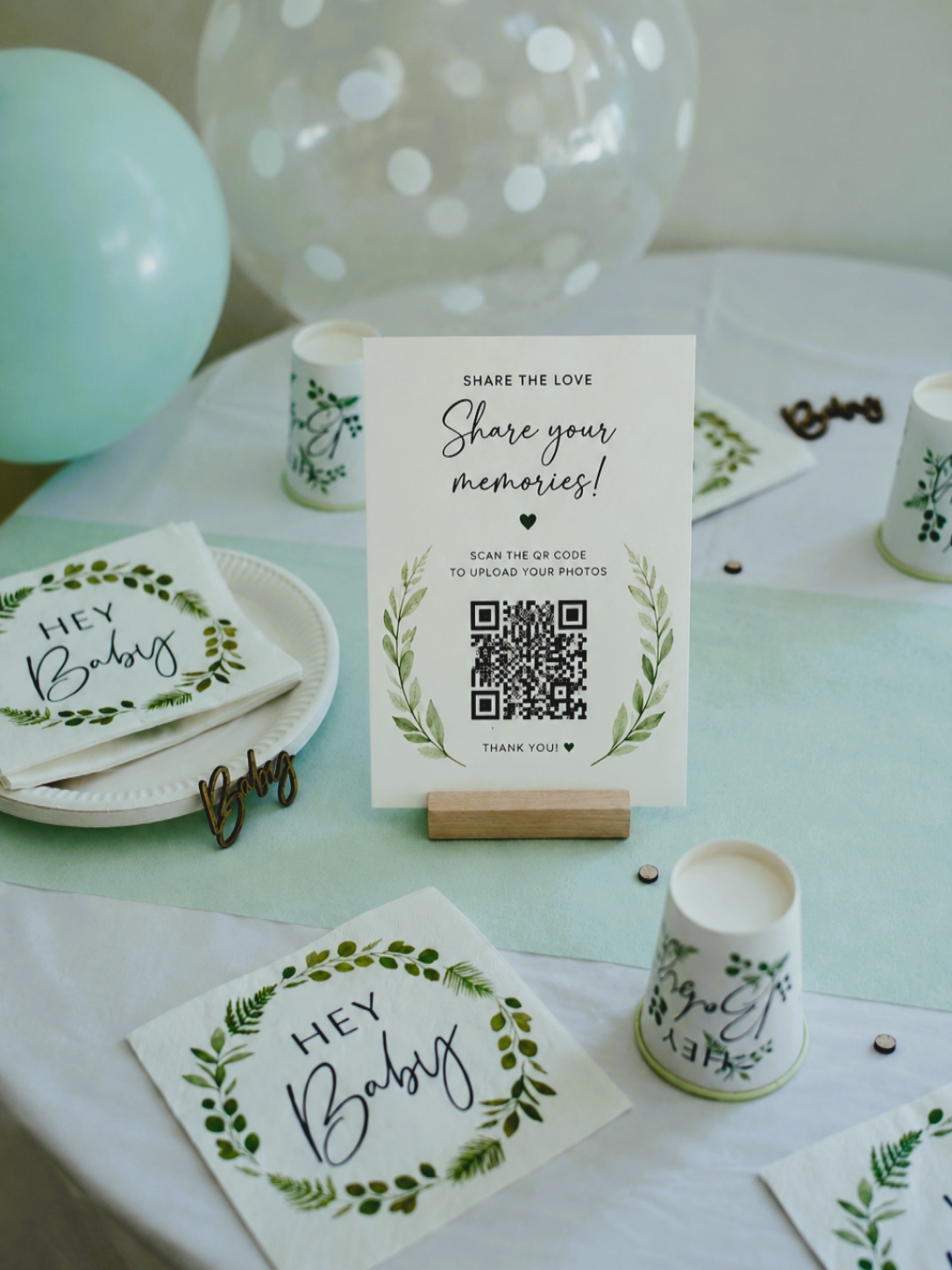
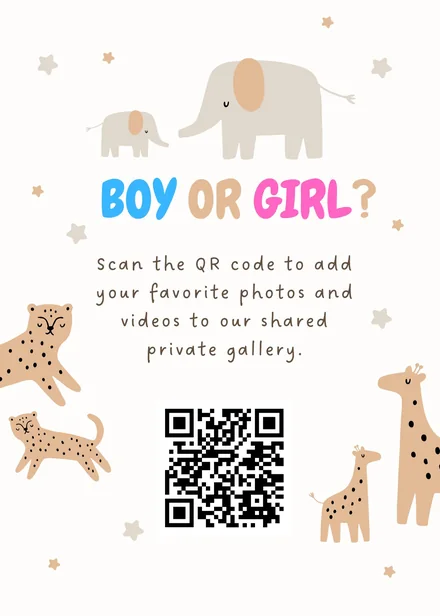
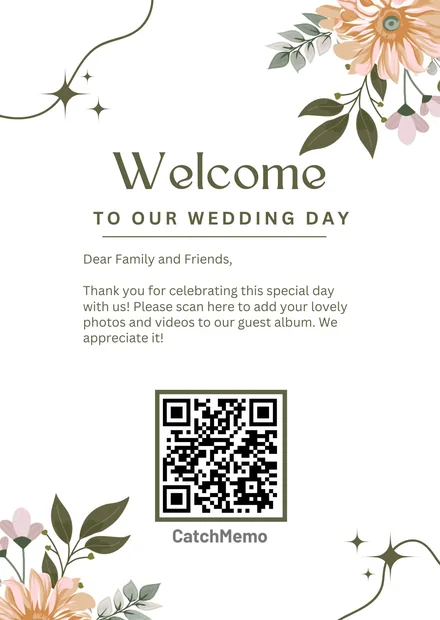
Our design
Pick a template and open it in Canva — a tool you already know. Change colors, fonts and wording, then download and print.
Style the page guests reach after scanning, right here on the site. Add a background photo, change the colors and the button.
Explore use cases
From weddings and birthdays to conferences and company events, see how Catchmemo fits your celebration.
How it works
Found at your table or on event signage.
Take a photo or video and upload instantly.
All moments in one place. For everyone.
Try Catchmemo







Live photo wall
Photos and videos appear on a TV or screen as guests upload them. Everyone sees the celebration grow in real time.
See pricingBuilt from real search demand. These are the most common questions people ask before they choose an event photo sharing platform.
Looking for free event photo sharing with a QR code? Catchmemo lets you create a private event page, generate your event QR code, and start collecting guest photos and videos in minutes. Guests scan and upload from their phone browser, with no app and no sign-in required.
Catchmemo is built for event photo sharing and helps you collect moments from every guest in one place. If people search for an event photo sharing app, they usually want simple setup, private access, and fast uploads. This is exactly what your guests get from scan to upload.
Need a QR code for party photos? Create one event QR code and place it on tables, signage, or invitations. Guests open your page with one scan and upload directly. It is a simple way to collect party photos, birthday moments, and candid videos without chasing links.
A live QR wall turns uploads into a shared event experience. As guests scan and upload, new photos appear on your screen in real time. This helps Catchmemo match searches like qr wall and live event photo sharing while showing exactly what hosts can expect.
If your goal is to collect photos from an event, Catchmemo keeps every upload in one private gallery. Hosts can review content, manage settings, and export the complete gallery when the event ends. No scattered messages, no missing photos, and no quality loss on download.
Why choose Catchmemo?
Guests scan your QR code and upload directly from their phone.
Photos, videos and guestbook messages stay collected in one place.
Works when guests are moving, dancing, celebrating and sharing fast.
Show guest uploads during the event and make everyone part of it.
Export the full collection after the event in the highest quality.
“Catchmemo made it easy to collect all our guest photos. We didn't miss a thing.”Emily & Josh

Create your event, invite your guests, and collect every moment—together.
Popular event photo sharing topics
Built from real search demand. These are the most common questions people ask before they choose an event photo sharing platform.
Looking for free event photo sharing with a QR code? Catchmemo lets you create a private event page, generate your event QR code, and start collecting guest photos and videos in minutes. Guests scan and upload from their phone browser, with no app and no sign-in required.
Catchmemo is built for event photo sharing and helps you collect moments from every guest in one place. If people search for an event photo sharing app, they usually want simple setup, private access, and fast uploads. This is exactly what your guests get from scan to upload.
Need a QR code for party photos? Create one event QR code and place it on tables, signage, or invitations. Guests open your page with one scan and upload directly. It is a simple way to collect party photos, birthday moments, and candid videos without chasing links.
A live QR wall turns uploads into a shared event experience. As guests scan and upload, new photos appear on your screen in real time. This helps Catchmemo match searches like qr wall and live event photo sharing while showing exactly what hosts can expect.
If your goal is to collect photos from an event, Catchmemo keeps every upload in one private gallery. Hosts can review content, manage settings, and export the complete gallery when the event ends. No scattered messages, no missing photos, and no quality loss on download.