Your guests will take hundreds of candid photos and videos during your wedding. The challenge is getting those memories out of their phones and into one shared place.
A wedding photo QR code makes the process simple. Guests scan the code, upload their photos and videos, and continue celebrating. No app download, account, or complicated instructions are needed.
But the QR code alone is not enough.
The wording around it needs to explain what guests should do, what they can share, and why it matters. Below are 25 ready-to-use wedding QR code messages for table cards, welcome signs, invitations, guestbook tables, and reception displays.
What Should a Wedding QR Code Sign Say?
An effective QR code sign should answer three questions:
- What should the guest do?
- What will happen after scanning?
- Why should they participate?
A simple formula is:
Scan + Upload + Share the moment
Keep the message short enough to read in a few seconds. Guests should understand the instruction without needing help from the couple or wedding staff.
Short and Simple Wedding QR Code Messages
These messages work well on small table cards and signs where space is limited.
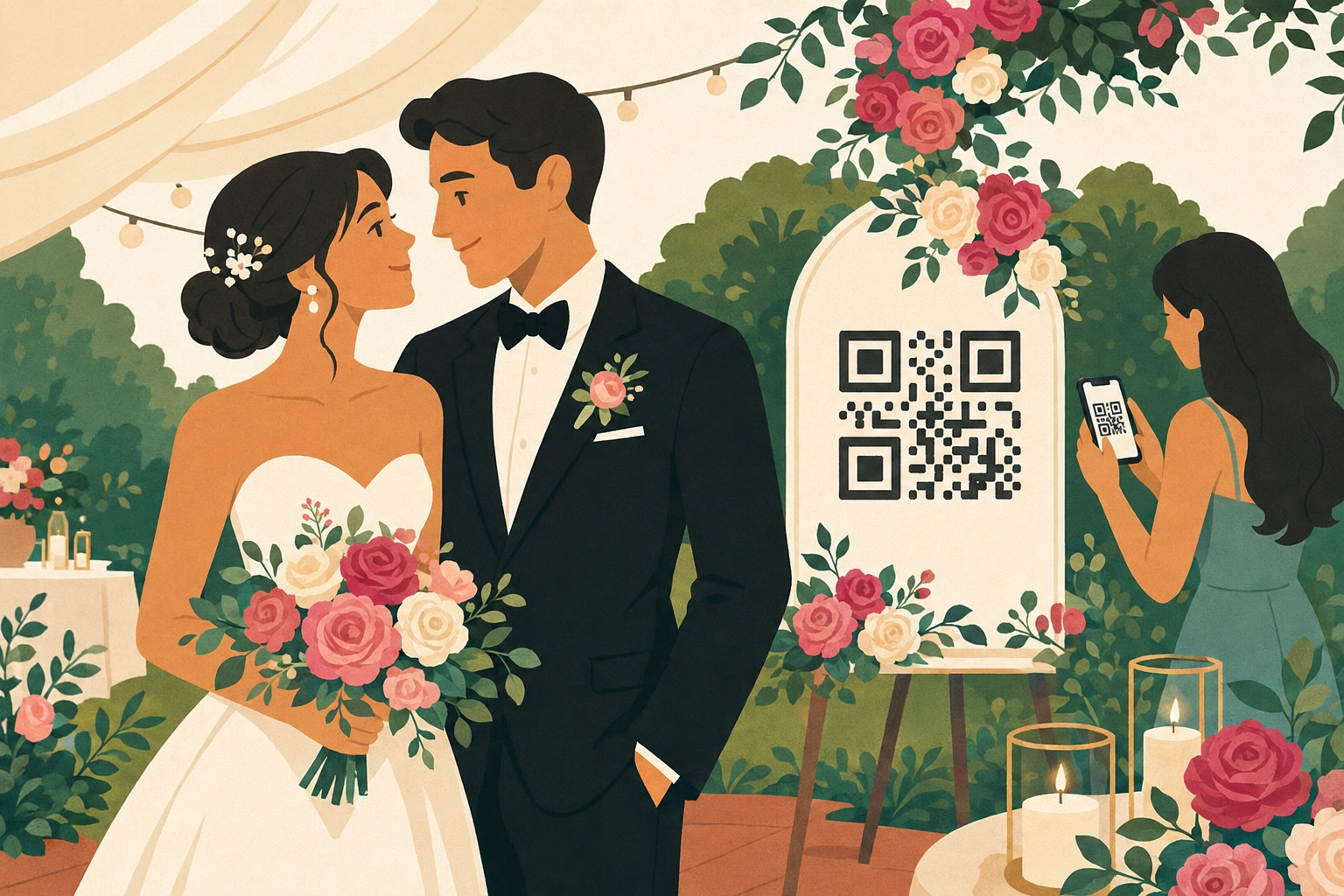
Romantic Wedding QR Code Wording
These options work well for elegant, romantic, and traditional weddings.
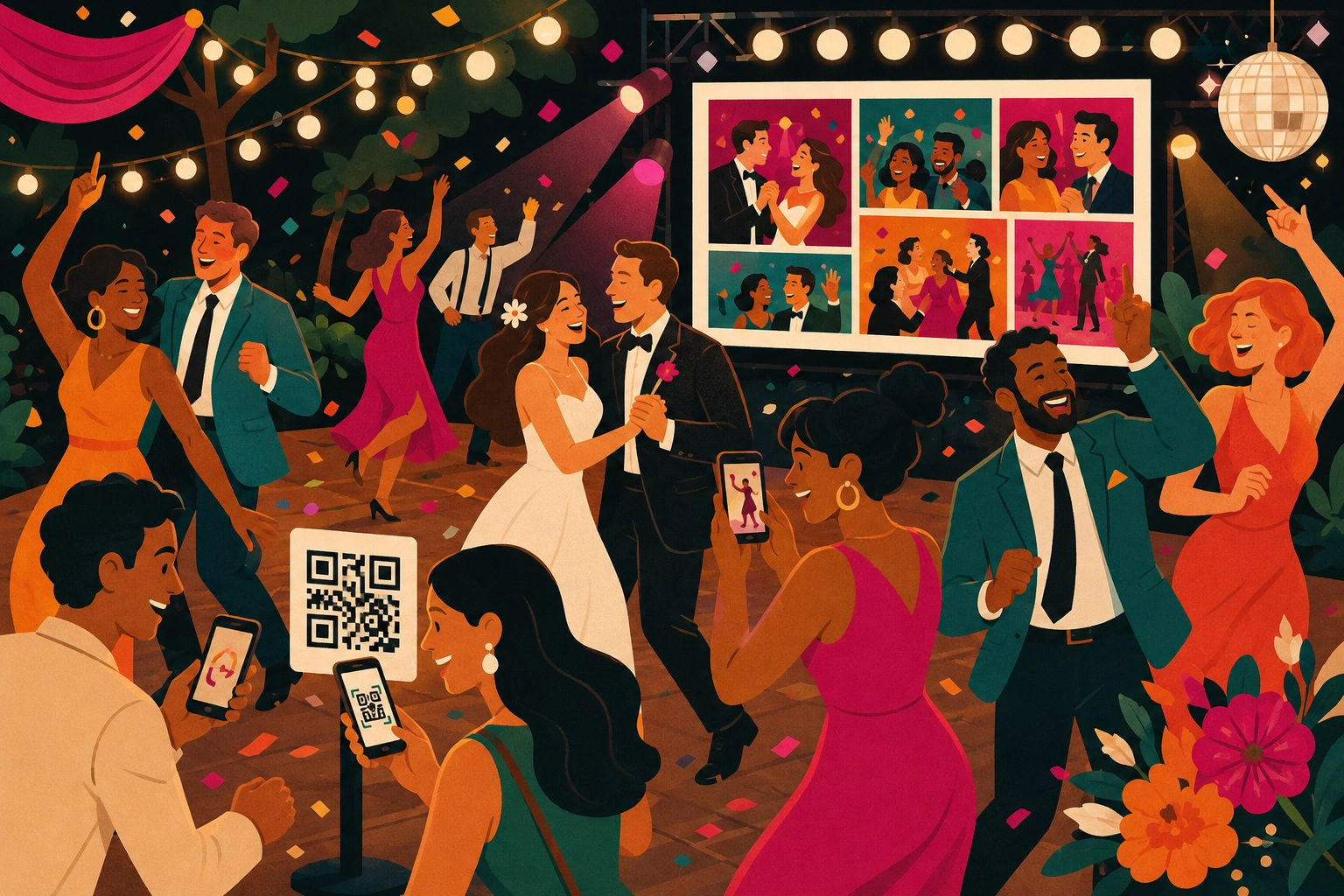
Fun and Playful Wedding QR Code Messages
A playful message can encourage more guests to participate, especially during the reception.
Elegant Wording for Formal Weddings
These messages suit minimalist signs, formal receptions, and luxury wedding stationery.
Wedding Guestbook and Video Messages
CatchMemo can collect more than photographs. Guests can also contribute videos and messages that feel like a digital wedding guestbook.
Where Should You Display Your Wedding QR Code?
Guests are more likely to participate when the QR code appears in several visible locations.
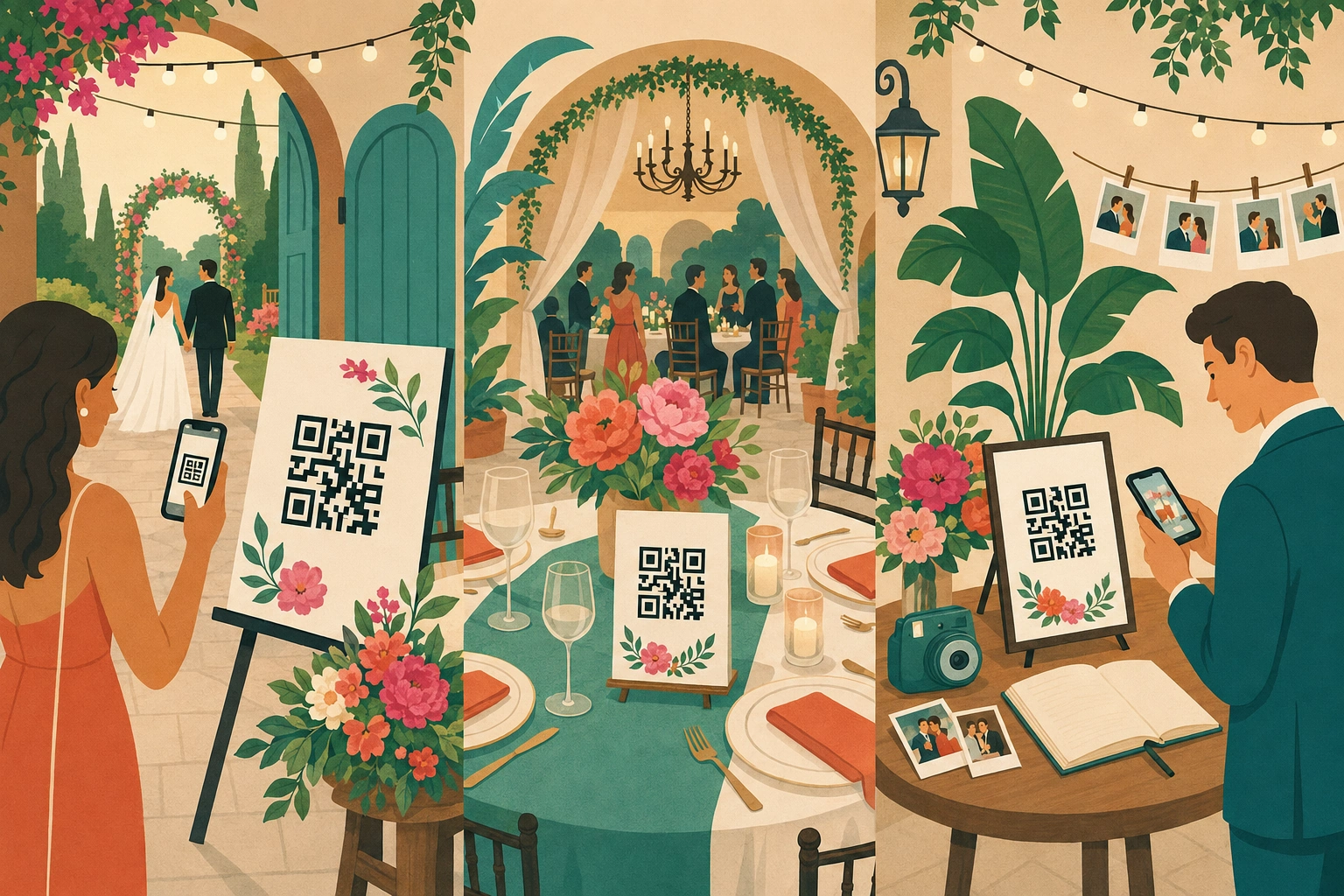
Good placements include:
- At the entrance to the reception.
- On individual reception tables.
- Beside the traditional guestbook.
- Near the bar or drinks station.
- Next to the photo booth.
- On wedding menus or programs.
- Beside the dance floor.
- On a large screen or live photo wall.
- Inside thank-you cards after the wedding.
Use the same QR code in every location. Repeating the code makes it easier for guests to notice it without creating multiple galleries.
You can use CatchMemo’s printable event cards and QR code designs to match the sign to your wedding style.
How to Make Guests Scan Your QR Code
Good wording helps, but presentation also matters.
Explain the benefit
“Scan the QR code” tells guests what to do, but not why. Add a short reason, such as:
Help us see the wedding through your eyes.
This makes the request feel personal.
Mention that no app is required
Some guests may assume they need to download something. A small line saying “No app or guest account required” removes that hesitation.
Keep the design readable
Use a clear font, strong contrast, and enough empty space around the QR code. Avoid placing the code over patterns, photographs, or textured backgrounds.
Test the code before printing
Test it with both an iPhone and an Android phone. Scan it from approximately the same distance guests will use during the wedding.
Display it more than once
One sign at the entrance is easy to miss. Table cards give guests another opportunity to scan while they are seated.
Common Wedding QR Code Sign Mistakes
Avoid these common problems:
- Making the QR code too small.
- Using vague wording such as “Scan me” without explaining why.
- Adding several different calls to action.
- Using a low-contrast or overly decorative design.
- Placing the sign in only one location.
- Waiting until after the wedding to request photos.
- Requiring guests to download an app or create an account.
- Forgetting to test the printed QR code.
The easier the experience feels, the more photographs and videos guests are likely to contribute.
How to Create Your Wedding Photo QR Code
With CatchMemo, you can create a shared wedding gallery in a few simple steps:
- Create your wedding event.
- Customize the gallery to match your wedding.
- Download your unique QR code.
- Add the QR code and your chosen wording to a sign or table card.
- Test the finished design before printing.
- Let guests scan and upload throughout the wedding.
- Download all contributed photos and videos together after the event.
Guests can upload directly through their browser without downloading an app or creating an account.
Learn more about wedding guest photo sharing with a QR code.
Frequently Asked Questions
Do wedding guests need an app to upload photos?
No. With CatchMemo, guests scan the QR code and upload directly through their phone’s browser.
Can guests upload videos as well as photos?
Yes. Guests can contribute both photos and videos to the wedding gallery.
Can we place the QR code on our wedding invitations?
Yes, but a QR code on the invitation may be scanned before the wedding and forgotten later. Display it again at the reception using table cards or signs.
How large should the printed QR code be?
It depends on the viewing distance. For a table card, make it large enough to scan comfortably while seated. Large entrance signs and screens require a larger code. Always test the final printed version.
Can we customize the QR code sign?
Yes. Match the colors, typography, wording, and background to your wedding theme while maintaining strong contrast around the QR code.
Collect Every Perspective of Your Wedding
Your photographer will capture the polished highlights. Your guests will capture everything happening between them: the unexpected reactions, behind-the-scenes moments, dance-floor videos, and candid memories you might otherwise never see.
The right wedding QR code wording makes it easy for everyone to contribute.
Create your free wedding photo QR code and collect every photo, video, and memory in one shared gallery.